Allergen word list updates: how AllergenLens re-checks your saved scans
AllergenLens matches labels against a versioned allergen word list. When an update brings a new list, kept scans are re-checked and changed results are marked.
Short answer
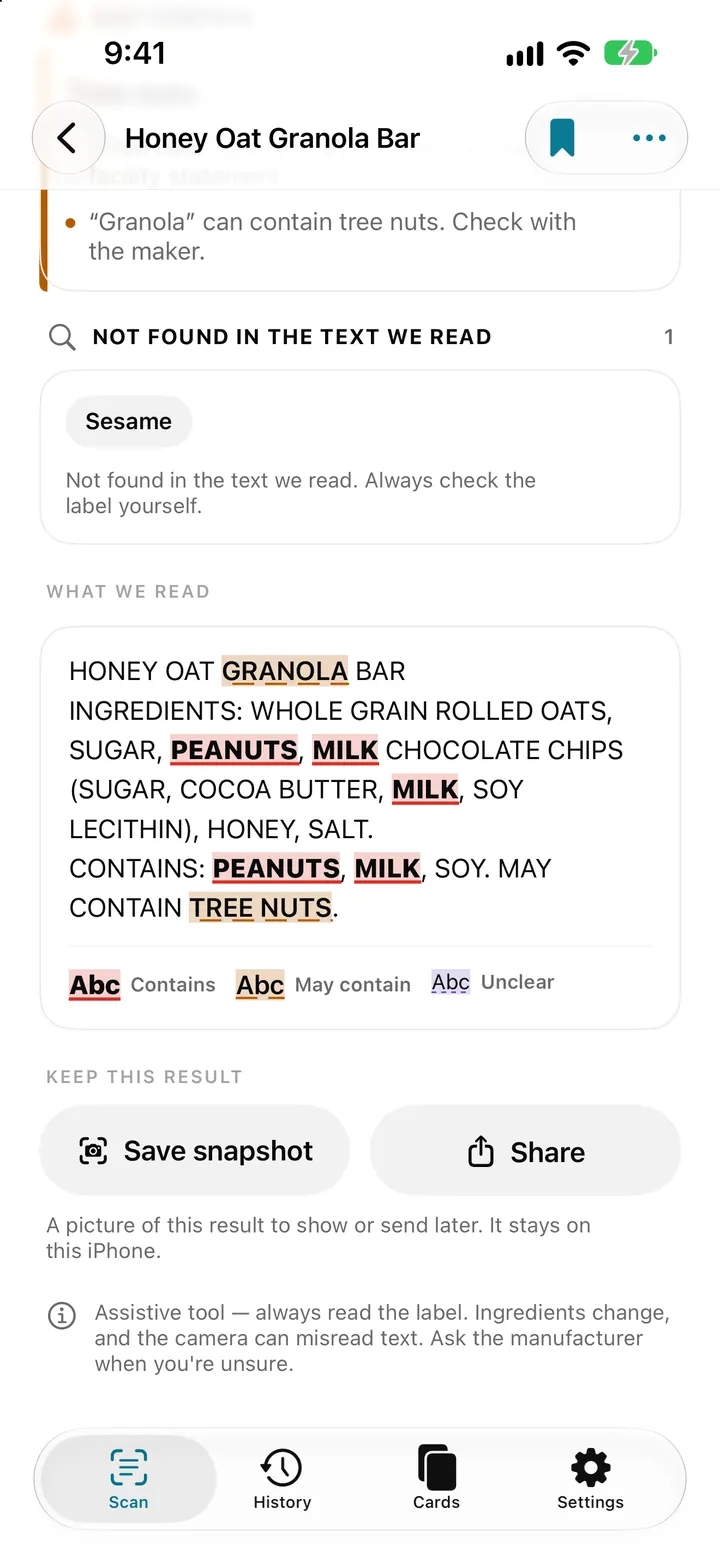
AllergenLens finds allergens by matching the text on a label against an allergen word list that ships inside the app. The list has a version number and only changes with an app update. When a new list arrives, your kept scans are checked again; any whose result changed are marked Result changed, and the result explains what the new list found differently.
The word list is the heart of AllergenLens. It holds the names an allergen can hide under on a label, from plain words to other names and E-numbers, across the label languages the app reads. Each release can add names or remove ones that caused confusion. This post explains how those changes reach your results and how to see what changed.
A word list that stays on your iPhone
The list is stored in the app and never leaves your iPhone. There is no download in the background and no server to ask, so a label is checked the same way in airplane mode as at home. The flip side is that the list only changes when you update AllergenLens from the App Store.
You can see which list you have in Settings › About, under Allergen word list, with the version, for example v4. Label languages shows which languages the list covers. For how the list deals with E-numbers and words that could mean more than one thing, see E-numbers and unclear words.
What happens after an update
The first time you open a new version, AllergenLens reads every kept scan again with the new list. This runs in the background, once per version, using the text already stored with each scan. No new photo is needed.
If the new list reads a scan differently, that scan gets a Result changed tag in History, or on the Scan tab for your latest scan. The tag stays until you open the scan. At the top of the result you'll then see a note such as Result changed with word list v4 (was v3), with lines like:
| Line | What it means |
|---|---|
| Now found on this label: … | The new list knows a name on this label that the old one didn't |
| Now Contains, was May contain: … | The same allergen is now matched in the ingredients |
| Now May contain, was Contains: … | It is now only matched in a may-contain warning |
| No longer matched: … | The new list no longer matches a word on this label |
Under that: The allergen word list was updated. The result below uses the new list.
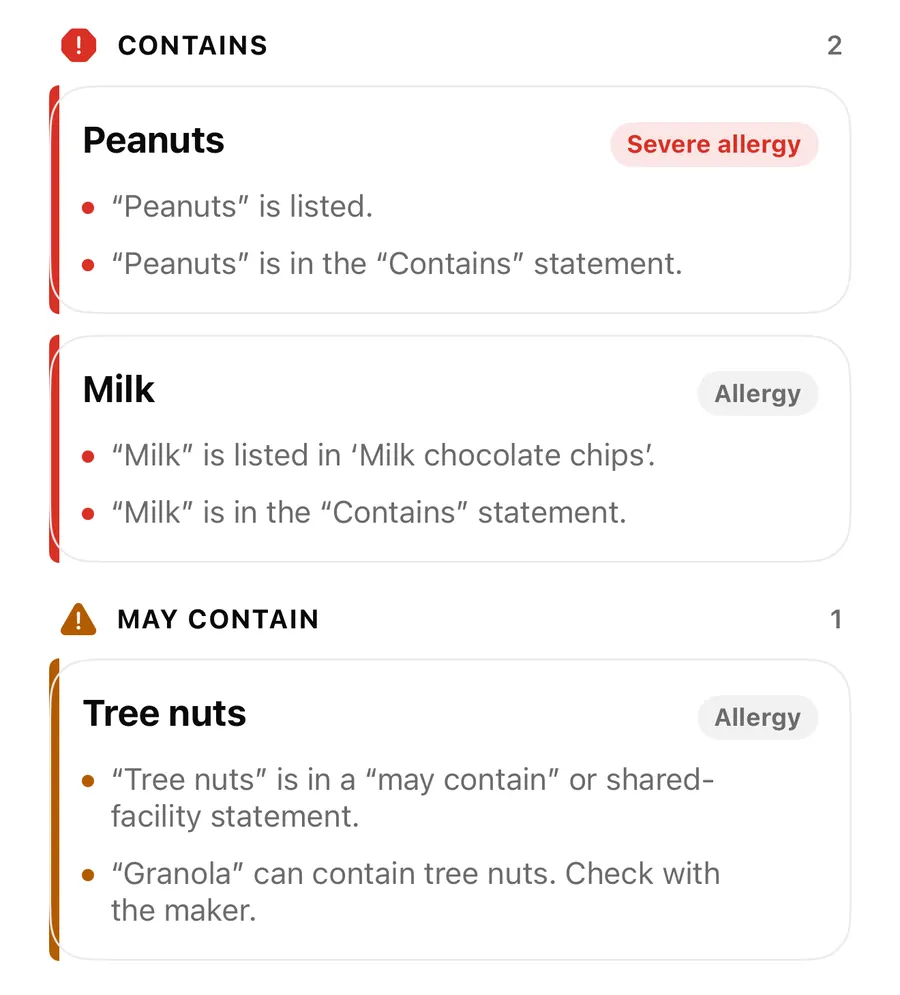
No longer matched is worth a careful look. It means a word that used to count is no longer on the list, usually because it was matching something it shouldn't. It isn't a sign that the allergen is absent, and Not found in the text we read is never a guarantee. Read the pack.
See what changed after an update
- Update AllergenLens and open it once.
- Open History and look for scans tagged Result changed.
- Open one and read the note at the top of the result.
- Check the marked text under What we read against the pack, if you have it.
- To see every change in the new list, open Settings › About › What's new in the word list.
What's new in the word list
What's new in the word list in Settings shows the version you have and the one before it, then the number of Terms added and Terms removed. Under By allergen, each allergen lists examples of names added (+) and removed (−), with a count. The page ends with how many terms the list now holds.
On a fresh install there is nothing to compare yet, so the page says this is the first word list on this iPhone and how many terms it has.
Which version checked a result
Every result is worked out again when you open it, so the findings always use today's list. At the bottom of a result, a line says Checked with allergen word list v4., followed by the version used when you scanned, or Word list at scan time: not recorded. for older scans.
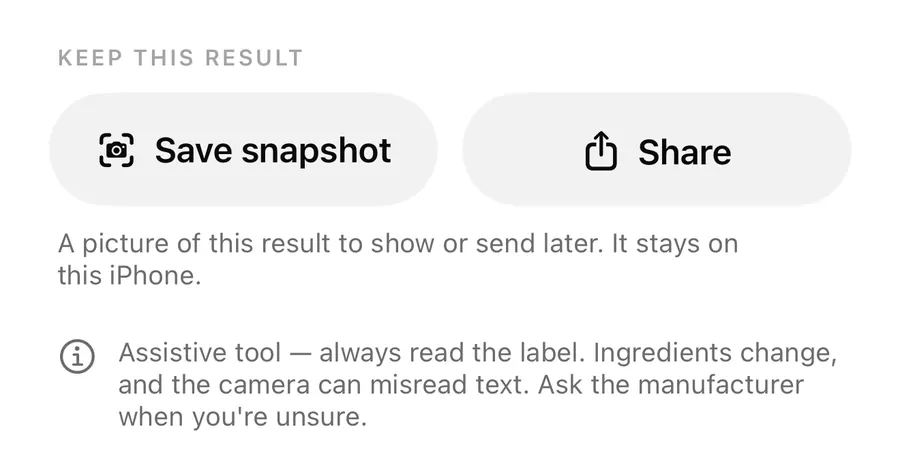
Saved snapshots carry the version they were made with, and so does a missed allergen report, so anyone reading it knows which list was used. This is separate from a recipe change: when you re-scan a product, the old text is read with today's list first, so recipe change alerts only show differences on the pack.
If the word list can't be used
If the list fails to load, AllergenLens doesn't guess. The Scan tab shows Scanning is paused with a Try again button, and any result opened in that state says nothing on the label was checked. Earlier Result changed tags are kept as they were.
The app also runs a quick self-test on the list. If it doesn't pass, results still show what was found, but are headed Can't confirm, check the label yourself, because the app can't confirm that an allergen isn't there. Updating or reinstalling AllergenLens usually fixes this; your profiles and scans stay on the iPhone. If it keeps happening, contact support.
FAQ
How do I get the newest allergen word list?
Update AllergenLens from the App Store. The list ships with the app and changes only with an update.
Do I need to scan my products again after an update?
No. Kept scans are re-read automatically from the text already stored. To check a pack whose recipe may have changed, use Scan the list again.
Why did a result change when the label didn't?
The new list knows a name it didn't before, or no longer matches a word it used to. The note at the top of the result says which.
Does the word list send anything off my iPhone?
No. The list is stored in the app and labels are checked on the iPhone.
Download AllergenLens and keep your results current with every update.
Keep reading
E-numbers, other names and unclear words in AllergenLens
How AllergenLens reads E-numbers like E322 and E1105, explains what an additive can be made from, and marks misread or unknown words as Unclear to check.
Read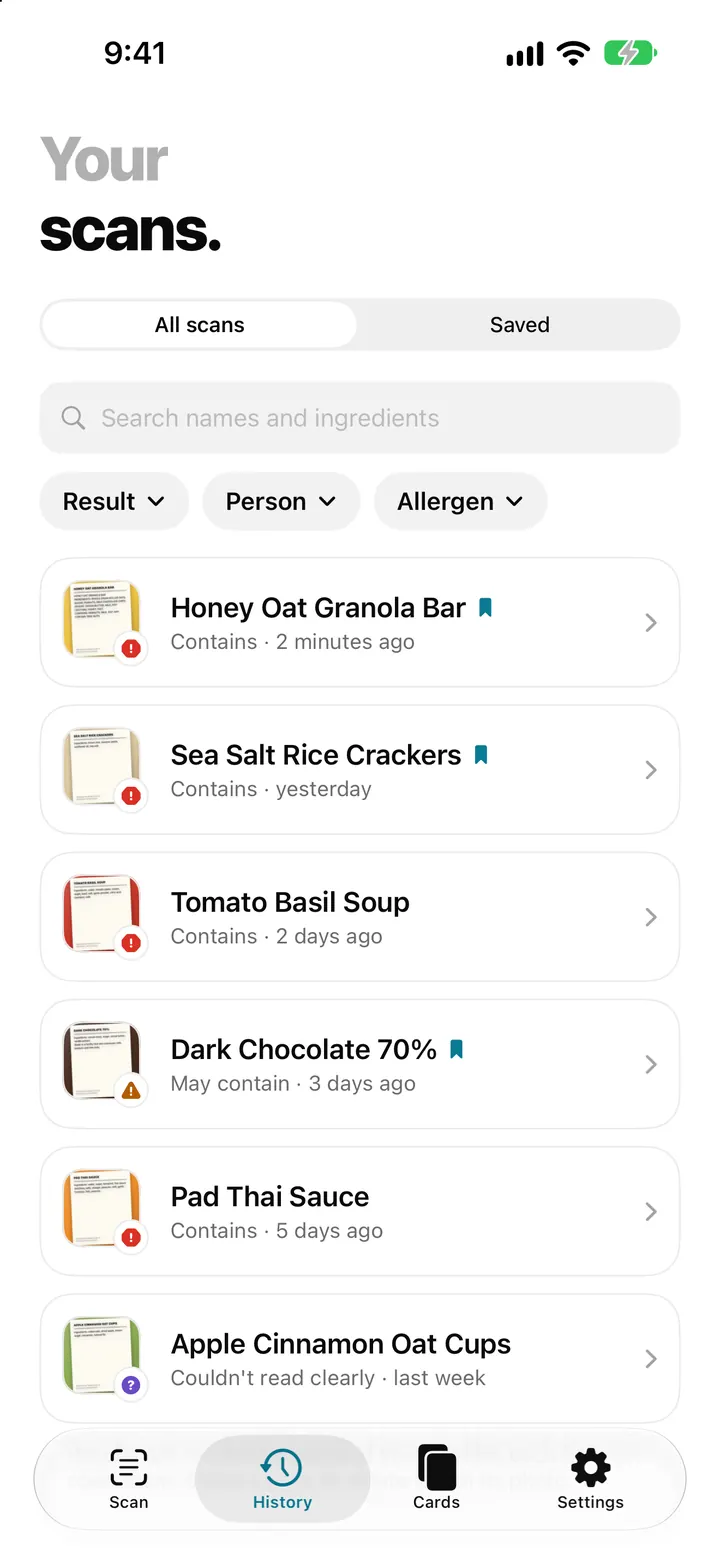
Scan history and saved products: find a label you checked before
AllergenLens keeps your scans on your iPhone, lets you save products you buy often, finds them by barcode and re-checks them whenever your profiles change.
Read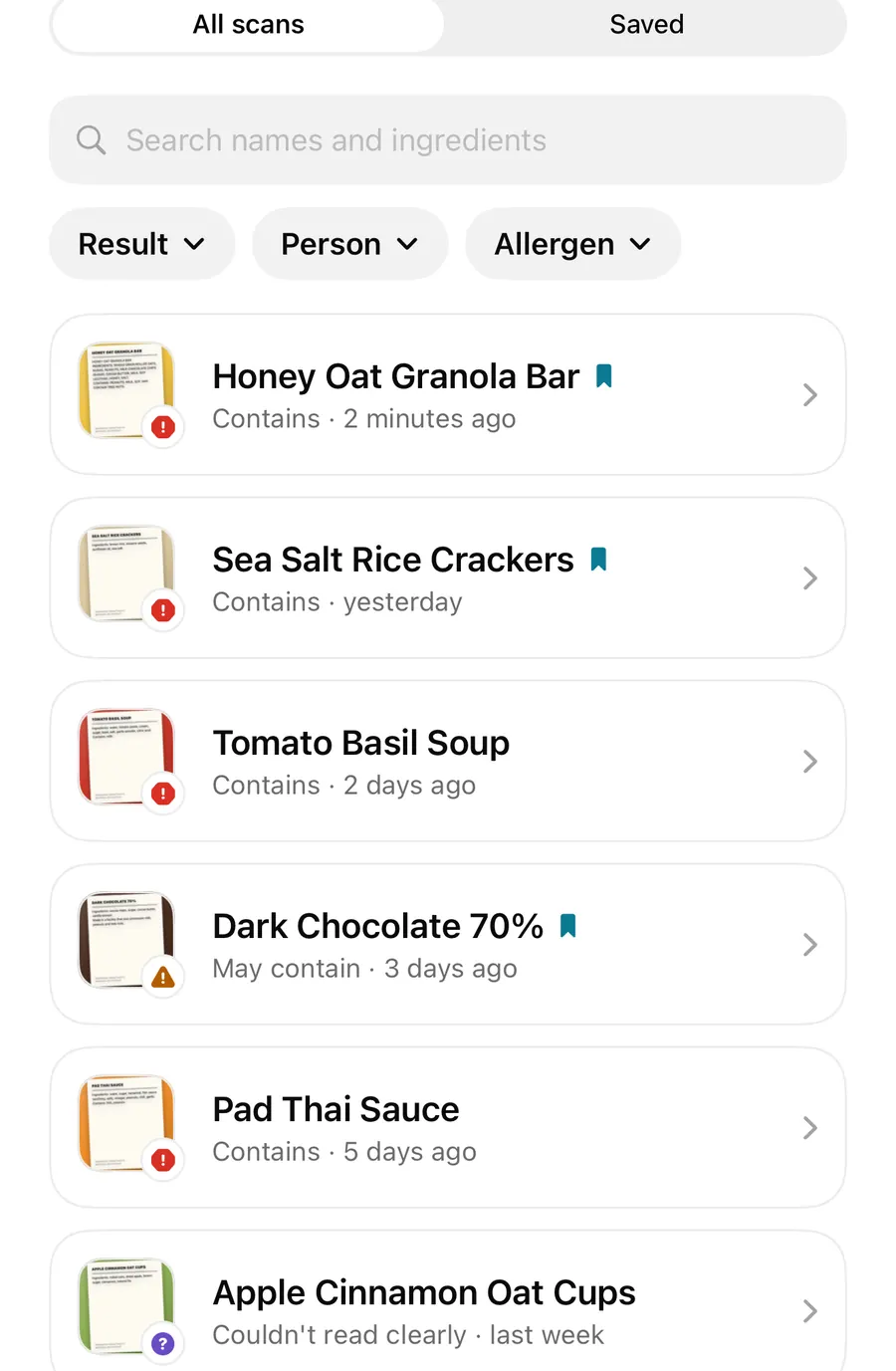
Recipe change alerts: re-scan a product and see what changed on the label
Scan a product you checked before and AllergenLens compares the new ingredient list with your last scan, showing allergens that appeared, moved or dropped off.
ReadIngredient Names That Are Easy to Miss on Food Labels
Reduce missed ingredient names in AllergenLens with profile terms, context, synonyms and a complete warning review.
Read guide