Whole family mode: check one label for everyone in AllergenLens
With AllergenLens Plus, keep up to 6 family profiles and check every scan for the whole family at once, with a separate result for each person you shop for.
Short answer
AllergenLens Plus holds up to 6 profiles, one for each person you shop for. Turn on Whole family and every scan is checked against all of them at once, with a result for each person: who it Contains something for, who should check a May contain warning, and whose profile had nothing in the text that was read. You can still tap one person to check just for them.
In many households one person has a peanut allergy, another is coeliac and a third is vegan. Checking one label three times is slow, and it's easy to forget someone. AllergenLens lets each person keep their own profile and checks a label for all of them in one go.
One profile per person
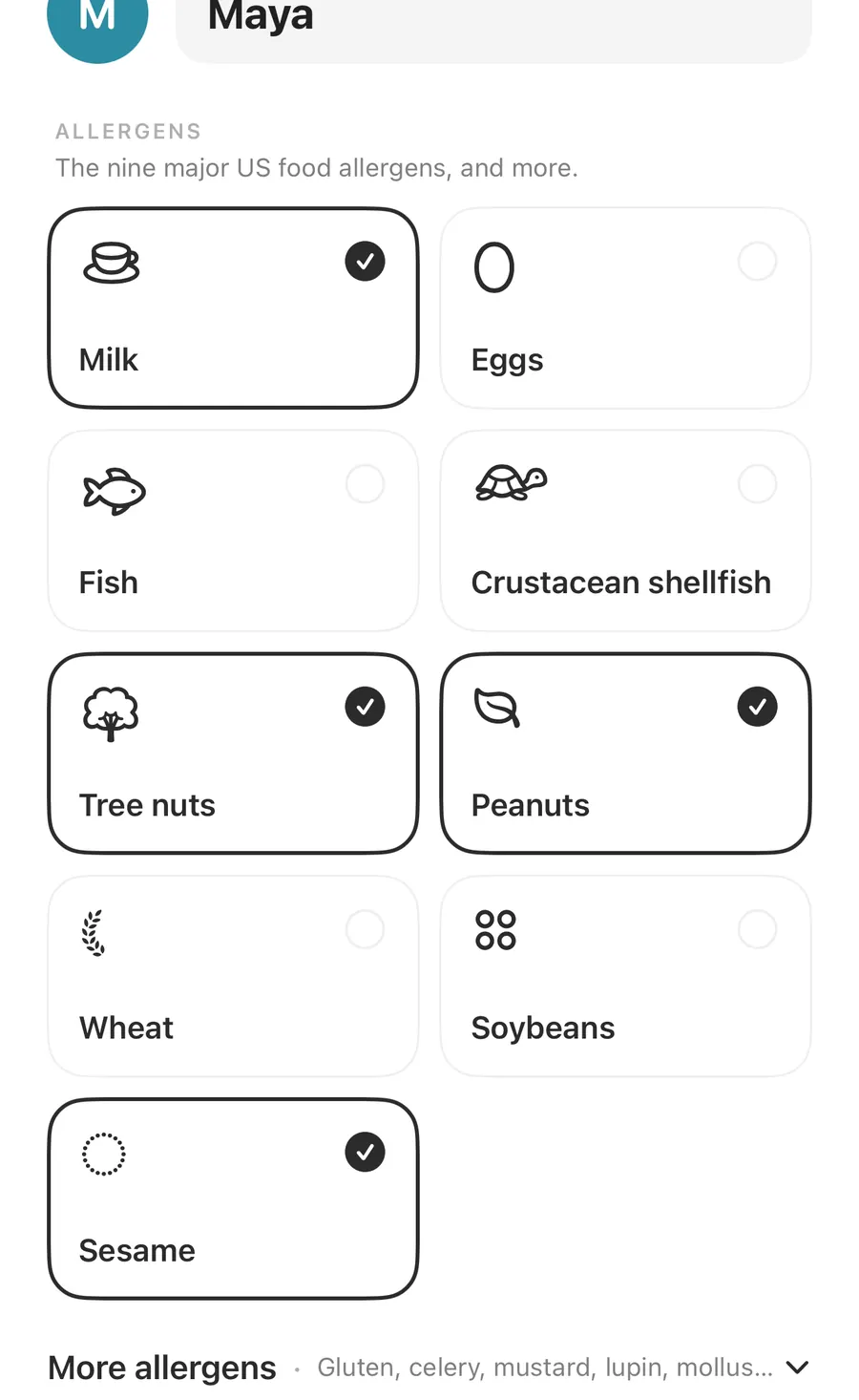
Each family profile is a full profile of its own, with a name and colour initial:
- Allergens, from the nine major US food allergens to the wider list, including cereals with gluten, celery, mustard, lupin, mollusks and sulfites.
- How strongly: Intolerance, Allergy or Severe allergy. This shows next to each finding.
- Diets, such as vegan, vegetarian or gluten-free.
- Your own ingredients, for anything that isn't on the lists.
There is no separate child profile type. A child's profile is simply a named profile like anyone else's, set up and kept by you on your iPhone. How to fill each part in is covered in allergy profiles, allergens and diets.
Set up family profiles
- Open Settings, then Profiles, or tap Edit next to Checking for on the Scan tab.
- Tap Add family member. Without Plus, this opens AllergenLens Plus.
- Enter a name, then choose allergens, How strongly, diets and any of Your own ingredients.
- Repeat for each person, up to 6 profiles.
- Turn on Whole family, or tap the Whole family chip on the Scan tab.
- Scan a label and read the result for each person.
When you reach six, AllergenLens says You have the most profiles AllergenLens holds, 6. Each profile in use shows a Checking tag. To remove one, use Delete profile and confirm.
Checking for the whole family
Once you have two or more profiles, a Whole family switch appears: Check every scan for everyone at once, with a result for each person. The same choice sits on the Scan tab, in the Checking for row, as a Whole family chip beside a chip for each person.
- Tap Whole family to check everyone.
- Tap one person's chip to check just for them. That turns Whole family off until you choose it again.
The live camera's preview chips also cover everyone being checked, so you can see words that matter to anyone in the family as you aim.
A result for each person
The card at the top names who is affected. A family result might read Peanuts (Maya), Milk (Maya), and Gluten-free / celiac (Leo), so you know straight away it's not for Maya or Leo.
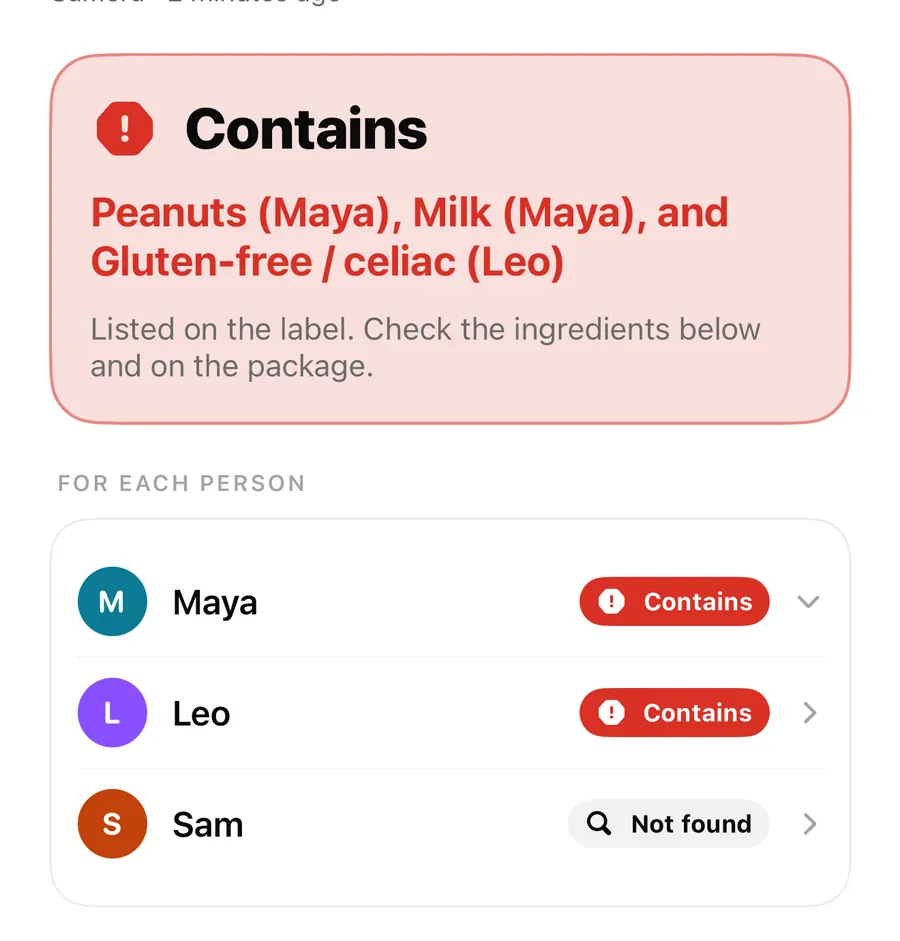
Under it, For each person lists everyone with their own badge: Contains, May contain, Couldn't read clearly or Not found. The person with the most serious result opens first. The findings below carry the person's name in the header, such as CONTAINS · Maya, with the reason for each one and the severity from their profile.
Sam's Not found means nothing on Sam's profile was found in the text that was read. It is not a guarantee: the label may be cut off, or an ingredient may be under a name the word list doesn't know. See results and coverage for what each state means.
Results stay current
Results aren't frozen. Each time you open a kept scan, AllergenLens checks it again against the profiles you have now. Add a new allergy to Leo's profile, and older scans show it when you open them. With Plus, scan history also lets you filter by person.
FAQ
How many family profiles can I add?
Up to 6 with AllergenLens Plus. The free version has one profile.
Can my partner see the same profiles on their phone?
No. Profiles stay on the iPhone where you made them and are never uploaded. Your partner can set up the profiles they need on their own phone.
Is there a special mode for children?
No. A child's profile is an ordinary profile with their name. Set the allergens, severity and diets that their doctor has advised.
What happens to the family profiles if Plus ends?
They stay on your iPhone. You can still check one profile at a time, and turning Plus back on brings Whole family checking back. More in the FAQ.
Download AllergenLens and check your next shop for the whole family.
Keep reading
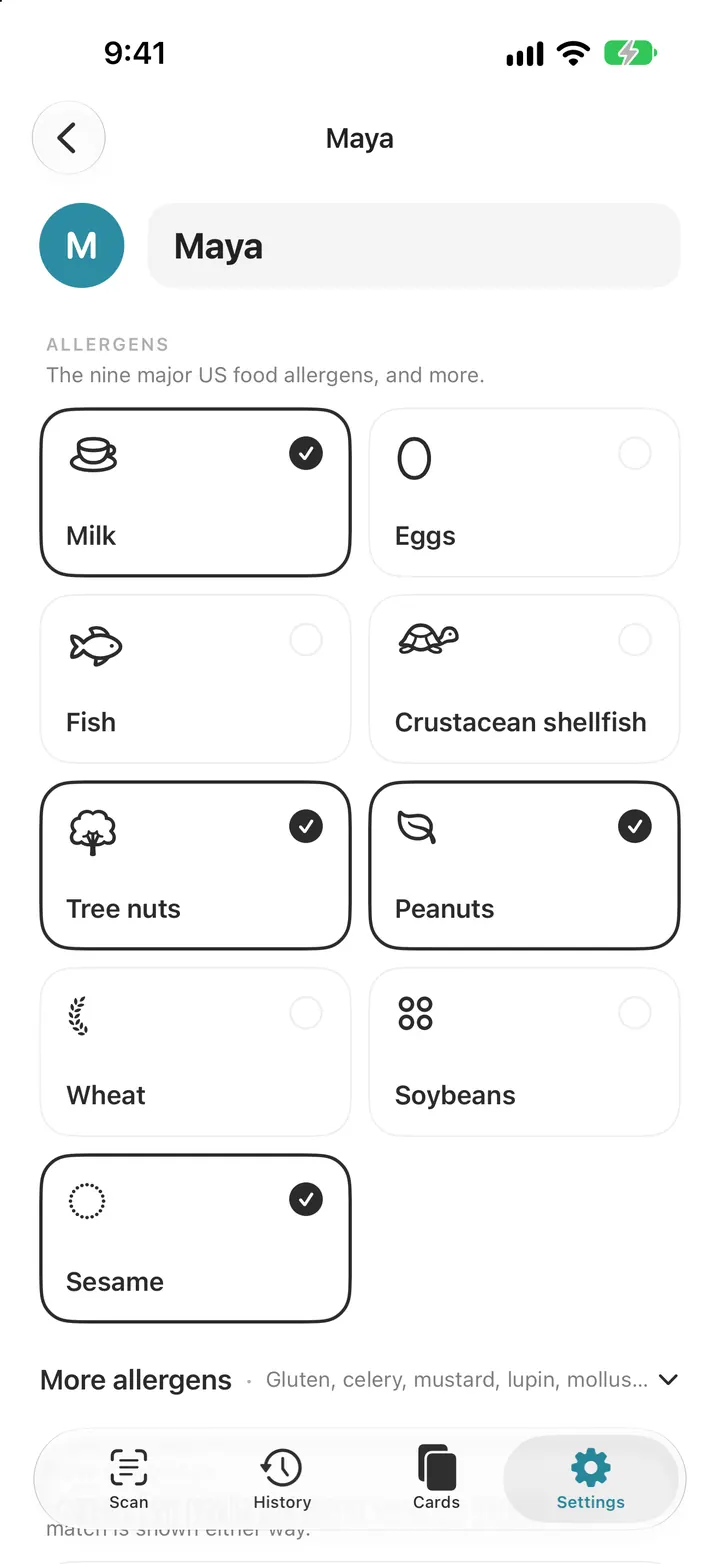
Set up your allergy profile: 14 allergens, diets and your own ingredients
Pick from the FDA nine and EU fourteen allergens, add a diet, set how strongly you react and add your own ingredients. Every AllergenLens scan checks this list.
Read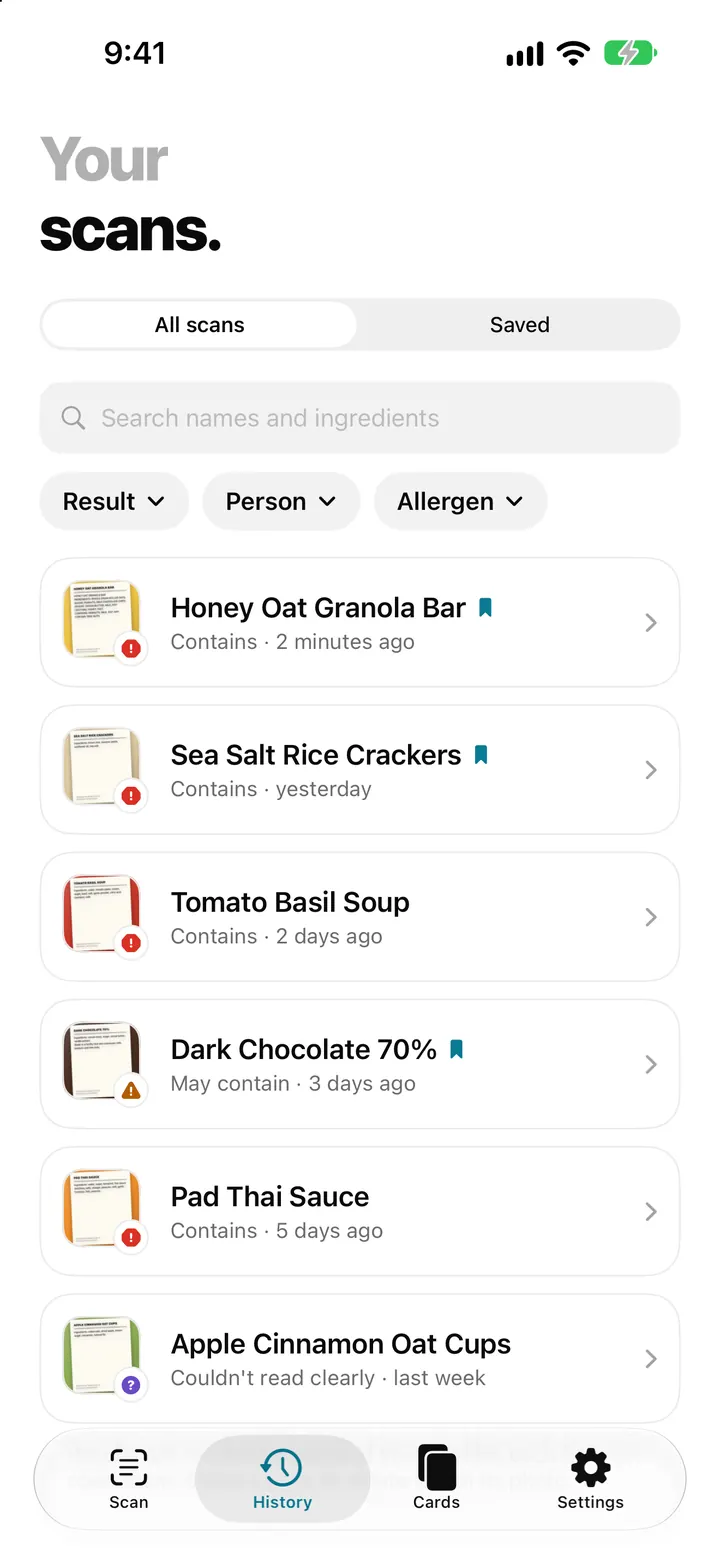
Scan history and saved products: find a label you checked before
AllergenLens keeps your scans on your iPhone, lets you save products you buy often, finds them by barcode and re-checks them whenever your profiles change.
ReadAllergenLens Free vs Plus: what every plan includes
Every AllergenLens warning is free with unlimited scans. Plus adds family profiles, scan history, saved products and travel allergy cards. Here's the full list.
ReadWhole family mode: managing multiple people while reading labels
Organize profiles, sharing and confirmation steps when a family uses AllergenLens with different dietary or allergy needs.
Read guide