Explain in plain words: Apple Intelligence explanations in AllergenLens
On iPhones with Apple Intelligence, AllergenLens can explain a finding in plain words, on the device, marked AI-generated and based only on the reason shown.
Short answer
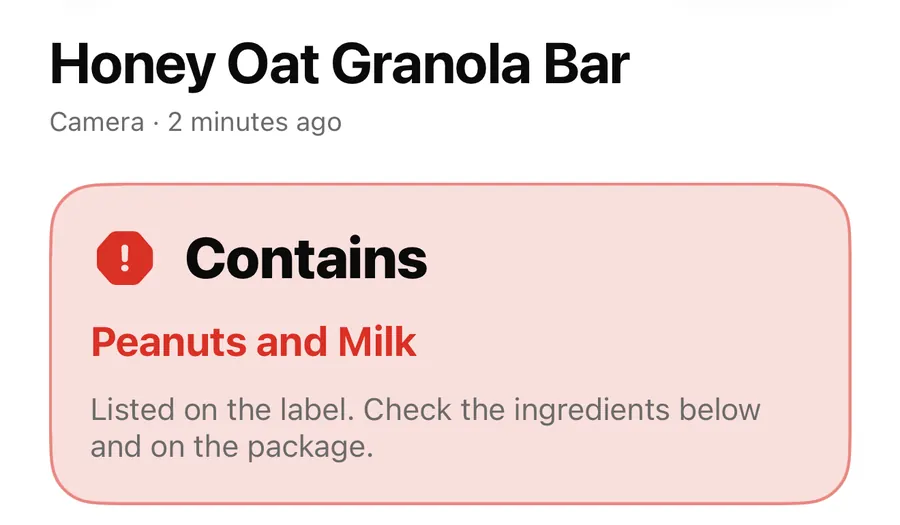
On iPhones that support Apple Intelligence, each Contains, May contain or Unclear finding in AllergenLens has an Explain in plain words button. Apple Intelligence writes a short explanation on your iPhone, shown under an AI-generated label with a line saying what it was based on and that AI can be wrong. The result itself never depends on it: the explanation only puts the app's own reason into everyday language.
A finding such as E322 (lecithin) can come from soy or eggs is precise, but it doesn't say what lecithin is or why a label might not name the source. AllergenLens can add a few sentences in plain words, written on the device by Apple Intelligence where it's available. This post explains when the button appears, what the explanation is based on, and what it will never do.
Where the button appears
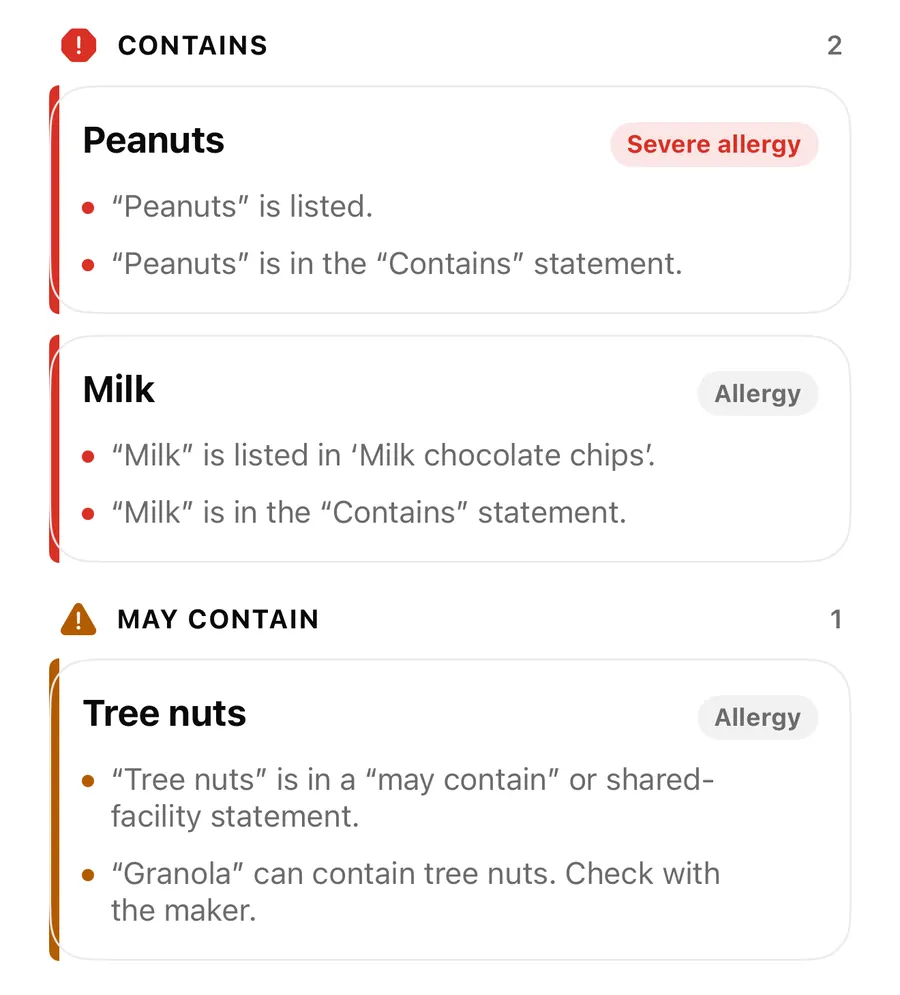
Open any result and look at the findings. Under each finding in Contains, May contain or Couldn't read clearly, you'll see Explain in plain words with a sparkle icon. VoiceOver reads its hint: Written by Apple Intelligence on this iPhone.
There is no button on Not found in the text we read. Nothing was found, so there's nothing to explain, and an explanation there could read like reassurance. Not found is not a guarantee either way.
The button only shows when all of these are true:
| Requirement | Why |
|---|---|
| iOS 26 or later | The on-device model is part of the system. |
| Apple Intelligence turned on and ready | The model must be downloaded and available. |
| Your app language is supported by the model | The explanation is written in the language the app is using. |
On other iPhones the button simply isn't there. Every finding still has its reason, and every warning still shows.
What the explanation is based on
The model isn't asked to judge the product. It is given only the finding and what produced it:
- A word-list match. For most findings, the model gets the word read on the label and the allergen word list term it matched, such as whey for milk or E322 with the list's own note. The basis line reads like Based on “whey” in the allergen word list v2. AI can be wrong. Always read the label.
- The app's own notes. For an Unclear finding, or for a word from Your own ingredients that the word list knows nothing about, the model gets only the reasons the app already shows. The basis line reads Based only on the reasons above. AI can be wrong. Always read the label.
The explanation is short, at most about 60 words, and written to stay close to the reason. When one appears, the Sources for that finding open too, so you can see the public sources the allergen lists are based on. The full list is under Sources and citations in Settings.
Get a plain-words explanation
- Scan a label, or open a result from your latest scan.
- Find the finding you want to understand under Contains, May contain or Couldn't read clearly.
- Tap Explain in plain words. You'll see Writing an explanation… for a moment.
- Read the text under AI-generated, then the basis line under it.
- Check the word on the pack with Show on photo or What we read.
- If the explanation and the reason seem to disagree, go with the reason and the label.
What it will never do
AllergenLens checks every explanation before showing it. The text is thrown away if it:
- sounds like reassurance, for example promising the food is fine;
- says what the product does not contain;
- plays the finding down, such as calling it unlikely;
- is too long, or doesn't mention the words it was asked about.
In that case you see This explanation wasn't shown because it didn't follow the app's wording rules. The reasons above still apply. If Apple Intelligence can't write anything right now, you get a similar note that the reasons still apply.
Most of all, the explanation never changes the result. Contains, May contain and Unclear come from the word list and the label text, the same on every iPhone. More on how those are chosen in result states and coverage, and on the words behind them in E-numbers and unclear words.
FAQ
Why don't I see Explain in plain words?
Your iPhone needs iOS 26 or later with Apple Intelligence turned on and ready, in a language the model supports. Without it, every finding still shows its reason.
Does the explanation decide the result?
No. The result comes from the allergen word list and the text read from the label. The explanation is added afterwards and can't change it.
Is my label sent to a server to write it?
No. It's written on your iPhone. See privacy and on-device reading.
What if the explanation seems wrong?
Trust the reason shown above it and the label on the pack. If the app missed or misread something, use Report a miss or contact support.
Download AllergenLens and get plain-words explanations on supported iPhones.
Keep reading
E-numbers, other names and unclear words in AllergenLens
How AllergenLens reads E-numbers like E322 and E1105, explains what an additive can be made from, and marks misread or unknown words as Unclear to check.
ReadContains, May contain, Couldn't read clearly: AllergenLens results explained
What each of the four AllergenLens result states means, how the card at the top is chosen, and what the app tells you when part of a label couldn't be read.
Read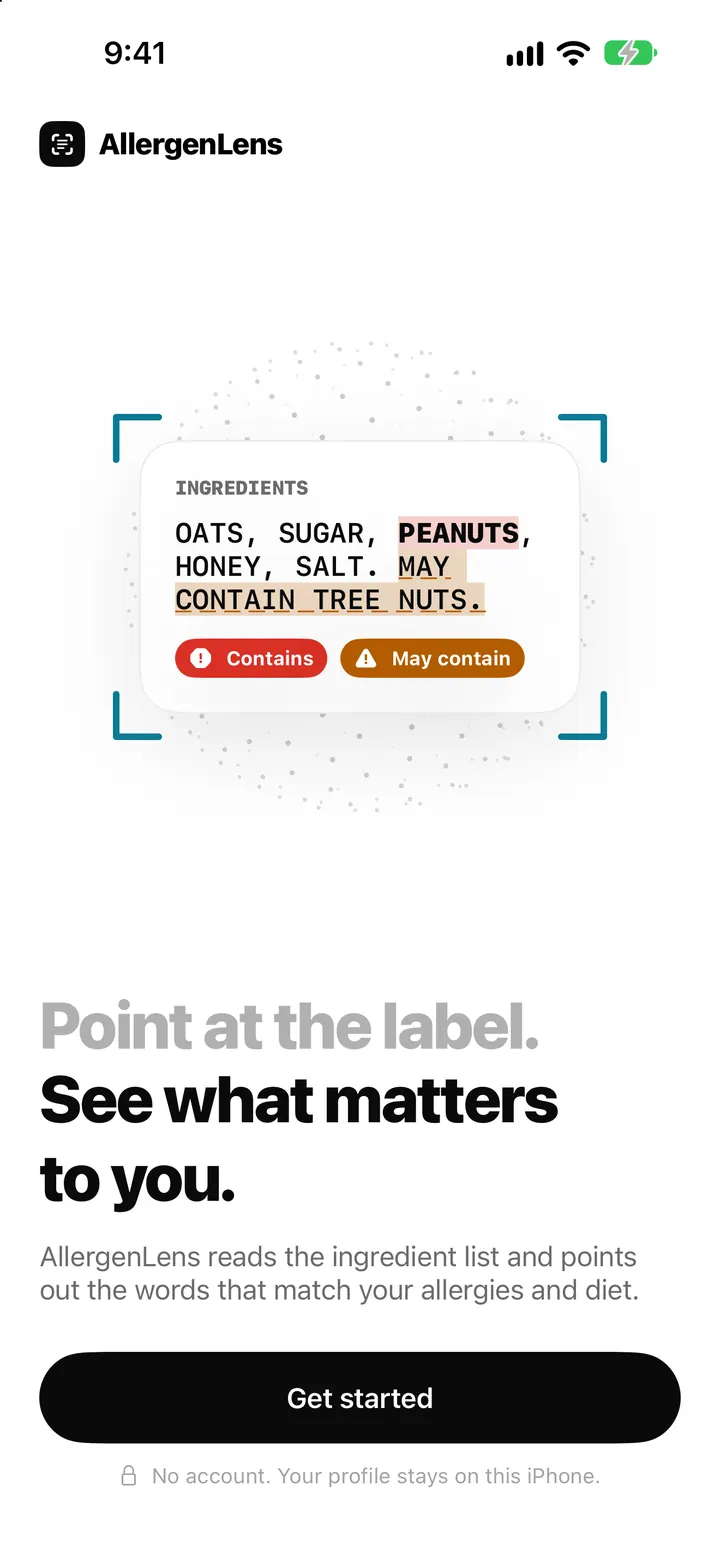
AllergenLens privacy: labels read on your iPhone, no account, no server
AllergenLens reads labels on your iPhone, keeps profiles and photos on the device, needs no account, and lets you turn off usage stats or erase it all at once.
ReadWhy AllergenLens Is Not Medical Advice: Use the App in the Right Role
Understand AllergenLens limits, the difference between reading a label and medical judgment, and how to use it as a second check.
Read guide