Foreign-language ingredient labels: which languages AllergenLens reads
AllergenLens reads ingredient lists in nine European languages, matches allergen names from all of them, and tells you when part of a label was skipped.
Short answer
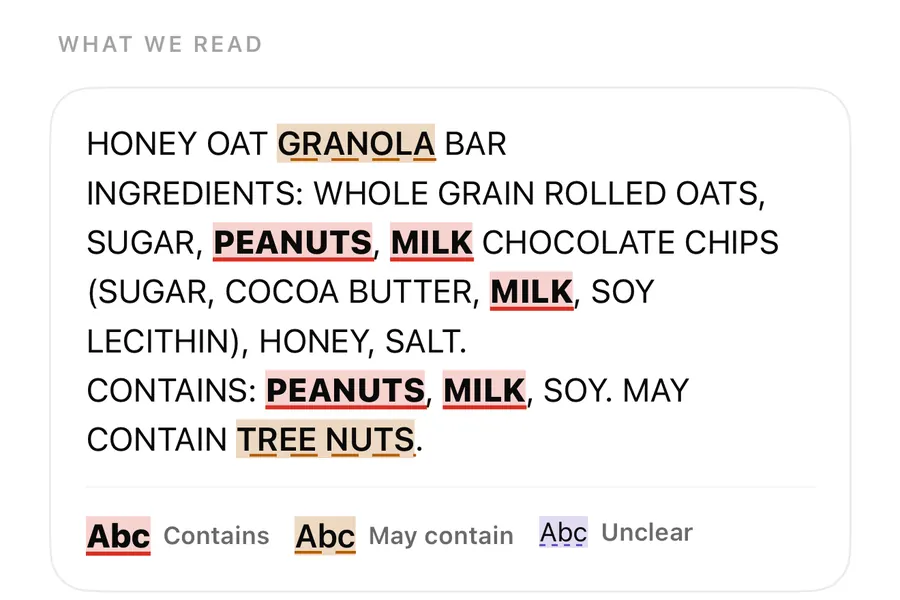
AllergenLens checks ingredient lists written in English, Spanish, French, German, Italian, Portuguese, Dutch, Polish and Swedish. Allergen names from all of these languages are matched on every label, so leche, lait or Erdnuss count the same as milk or peanuts. When part of a pack is in a language the app can't read yet, the result says that part was skipped rather than staying silent.
Shopping abroad, or buying imported food at home, often means a label in a language you don't read well. AllergenLens reads the list on your iPhone and checks it against your profile, whichever of its supported languages the list is in. This post covers which languages that means, how other-language names are matched, and what the app says when it meets a language it can't read.
The languages it reads
The allergen word list inside the app has ingredient terms for nine label languages:
| Language | Example peanut names it knows |
|---|---|
| English | peanut, groundnut |
| Spanish | cacahuete, maní |
| French | cacahuète |
| German | words containing Erdnuss |
| Italian | noccioline |
| Portuguese | amendoim |
| Dutch | words containing pinda |
| Polish | orzeszki ziemne |
| Swedish | words starting with jordnöt |
Text recognition comes from Apple's on-device engine, and some languages, including Polish and Swedish, need a recent version of iOS for it. The Polish, Portuguese and Swedish lists are newer than the others and are still being reviewed by native speakers, so take extra care with those labels.
Accents and capitals don't matter: CACAHUETE and cacahuète are treated the same. In German and Dutch, where words are joined together, the list looks for the allergen inside longer words, so a compound such as Vollmilchpulver still counts as milk.
Every language applies to every label
You don't pick a label language. AllergenLens applies the terms from all nine languages to every list it reads. That matters on multilingual packs, where the same list is printed in three or four languages, and on imported food where only the allergen line is translated.
The live scanner also recognises the ingredient heading in several languages, such as Ingredientes, Zutaten, Ingrédients, Ingredienti and Ingrediënten, to help you frame the list. Other names and E-numbers work across languages too. An E-number such as E322 is the same code on a Spanish pack as on a British one. More on that in E-numbers and unclear words.
When part of the label is skipped
Many European packs print the ingredients in several languages, some of which AllergenLens can't read yet, such as Danish, Finnish, Czech, Hungarian, Greek or Turkish. The app recognises the heading of those lists so it can tell you what happened, instead of quietly ignoring them:
- If it also found a list in a language it reads, you see Part of the label is in a language AllergenLens can't read yet, so it was skipped. The list in a language it reads was checked. Where it can name the language, it does: The text in … was skipped.
- If the only list is in a language it can't read, the result is Couldn't read clearly. The message says nothing on that list was checked and suggests looking for the list in another language on the pack.
- If it can't tell what language the list is in, it says so and checks nothing on that list.
A skipped part also shows in the coverage note under the result. The four result states and coverage messages are explained in results and coverage.
Shopping while you travel
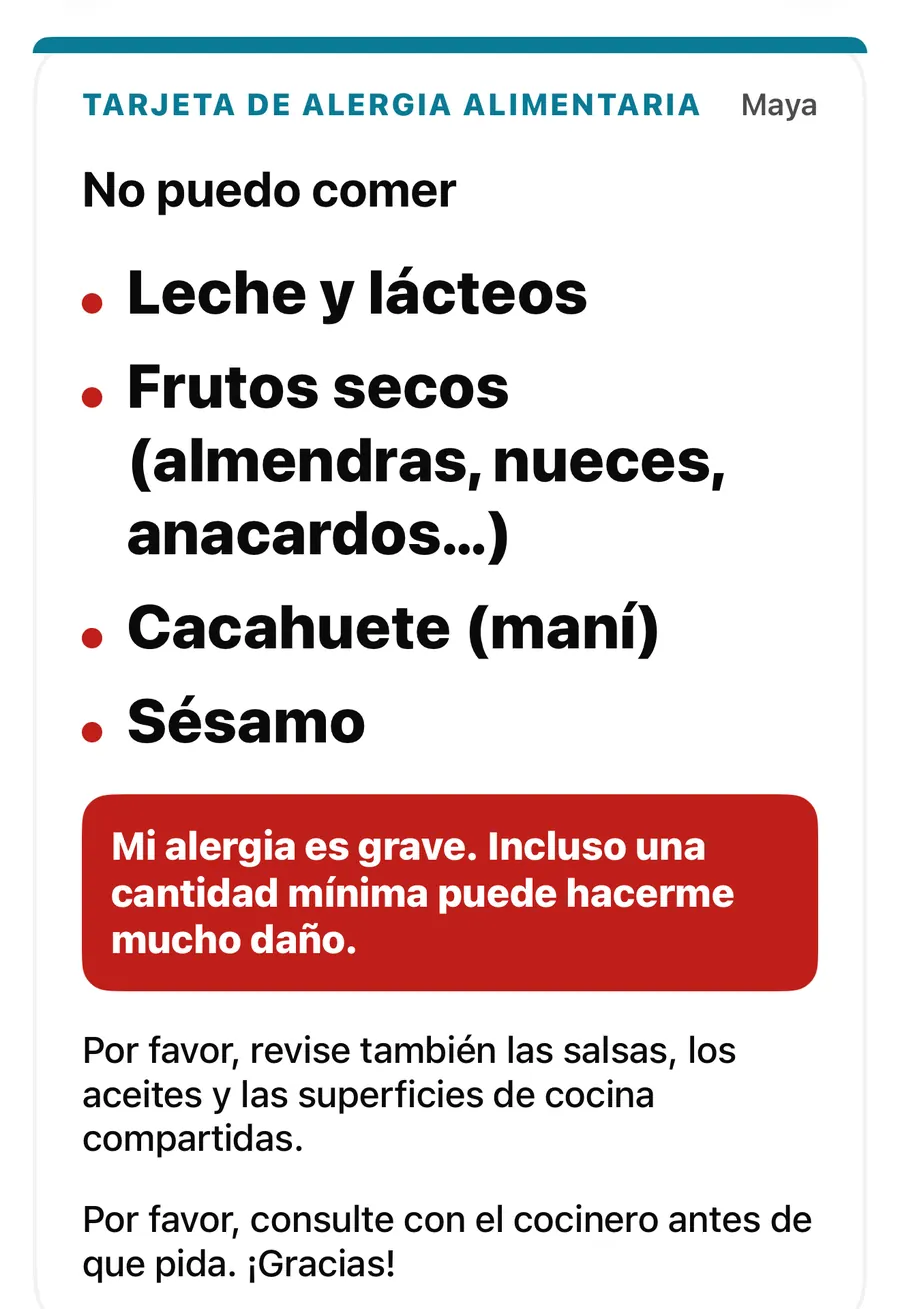
Abroad, AllergenLens is useful in two directions. Reading: scan the label in the supermarket and see what matches your profile, in any of the nine languages. Explaining: if you need to tell a café or a host what you avoid, Plus has travel allergy cards with fixed phrases in several languages that you can show full screen, even offline.
Check a label in a foreign supermarket
- Before you go, make sure your profile is set up. Scanning works offline, so you don't need local data.
- Open Scan, tap Scan a label and frame the ingredient list, not just the front of the pack.
- If the pack has several languages, frame the list in a language from the table above.
- Read the result and any note that part of the label was skipped.
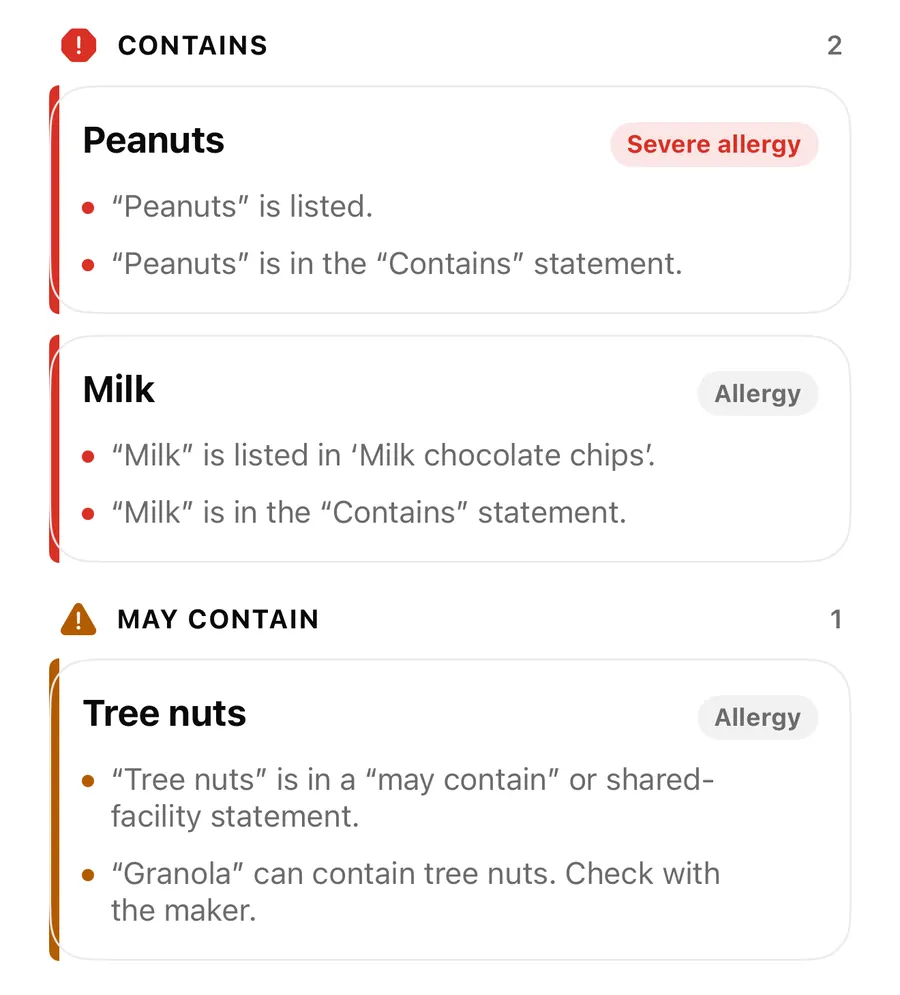
- Tap Show on photo or check What we read to see which words were matched.
- If you're unsure, put the product back or ask the shop. Our foreign supermarket guide has more tips.
The app's own language
The AllergenLens interface is available in more languages than it can read on labels. If your iPhone is set to one of those, such as Danish or Finnish, the Scan tab tells you AllergenLens can't read labels in this language yet and lists the languages it does read, so you know to look for a list in one of them.
FAQ
Can AllergenLens translate the whole label?
No. It doesn't translate. It looks for the allergens and diet rules on your profile, in any of its nine label languages, and shows where they were found.
Does it need internet abroad?
No. Reading and checking happen on your iPhone, so it works without roaming data.
What happens with a label in a language it can't read?
It doesn't guess. If there is no list in a language it reads, the result is Couldn't read clearly and it asks you to look for another list on the pack.
Download AllergenLens before your next trip abroad.
Keep reading
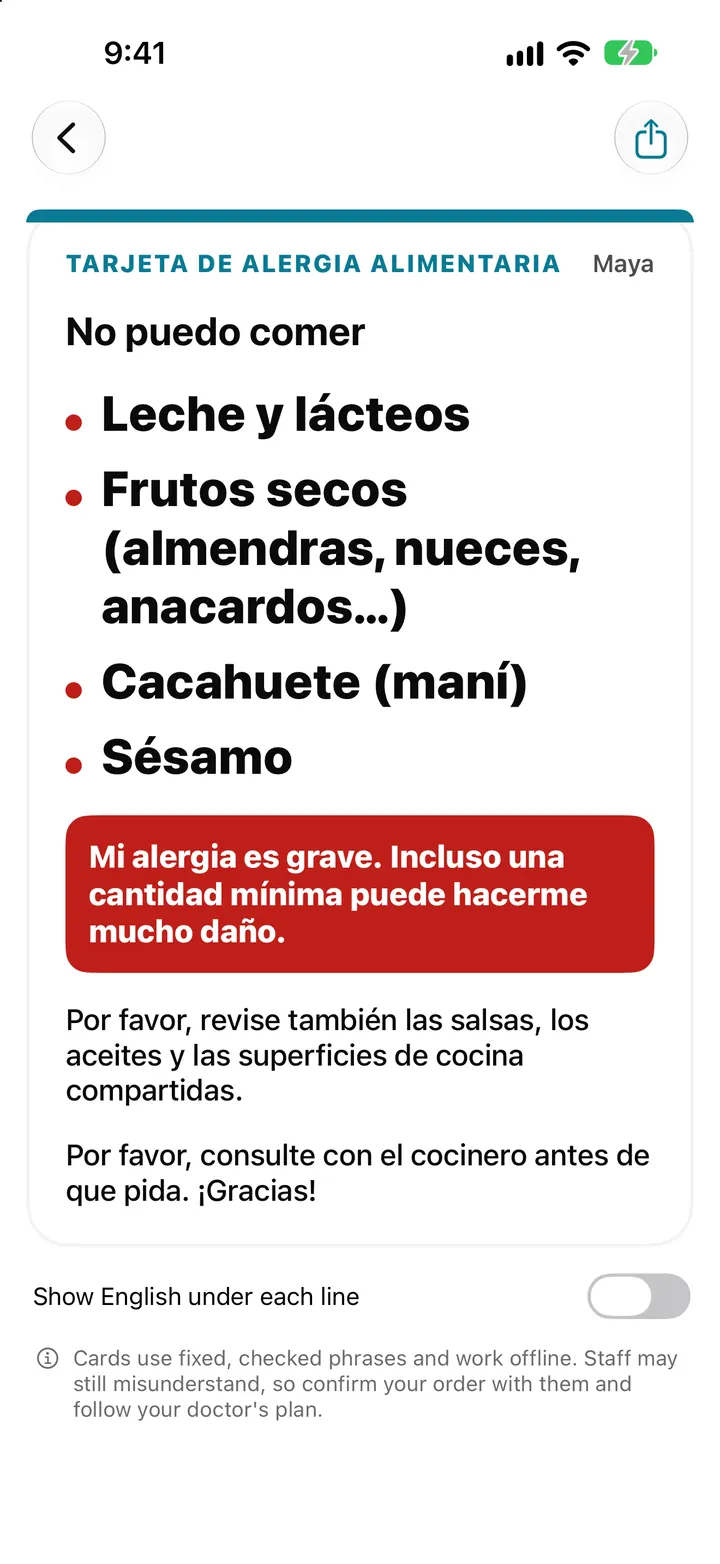
Travel allergy card on your iPhone: show staff what you can't eat
AllergenLens turns your allergy profile into a full-screen card in 9 languages that works offline, so you can show restaurant staff what you can't eat abroad.
Read
Contains, May contain, Couldn't read clearly: AllergenLens results explained
What each of the four AllergenLens result states means, how the card at the top is chosen, and what the app tells you when part of a label couldn't be read.
ReadE-numbers, other names and unclear words in AllergenLens
How AllergenLens reads E-numbers like E322 and E1105, explains what an additive can be made from, and marks misread or unknown words as Unclear to check.
ReadUsing AllergenLens with a Label That Is Not in English
Handle non-English food labels with AllergenLens by checking coverage, translation context and every package warning.
Read guide